The MCP toolkit
for Claude.
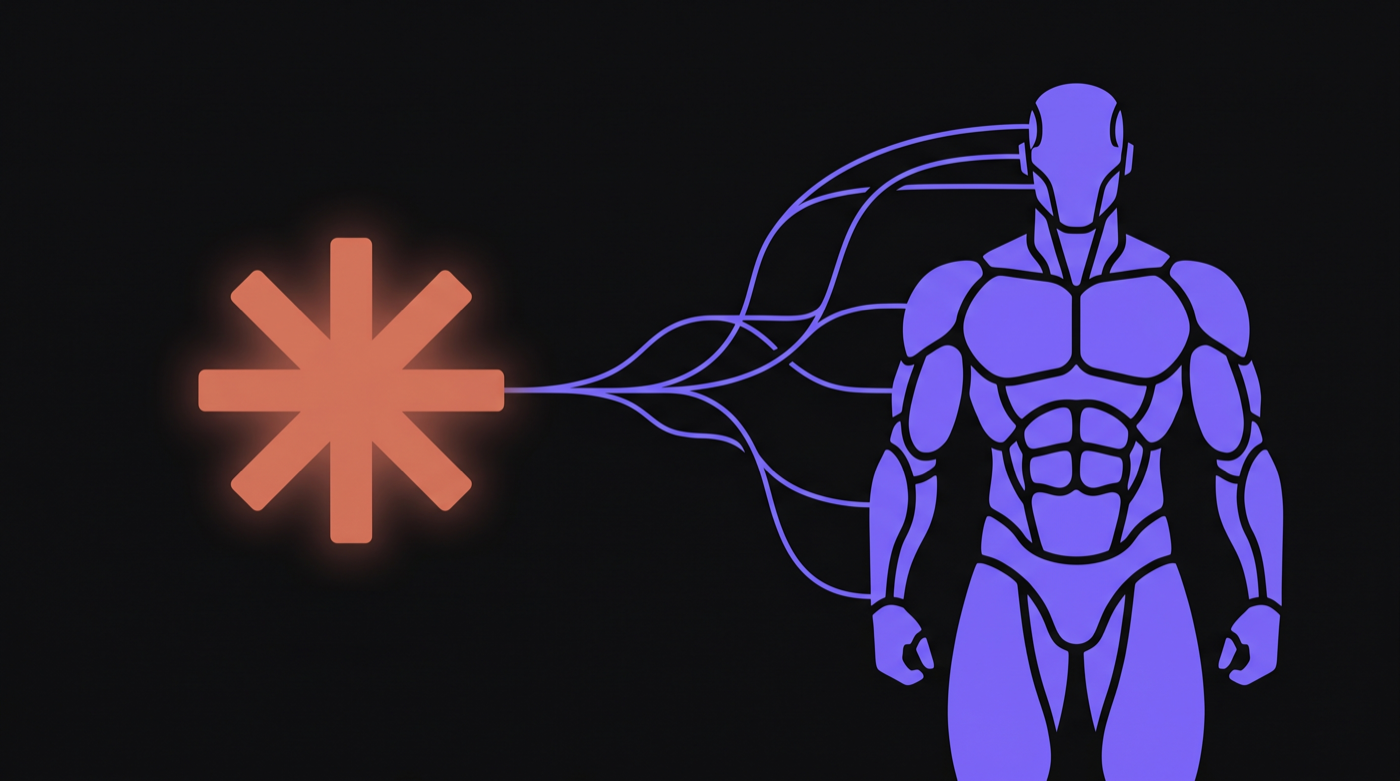
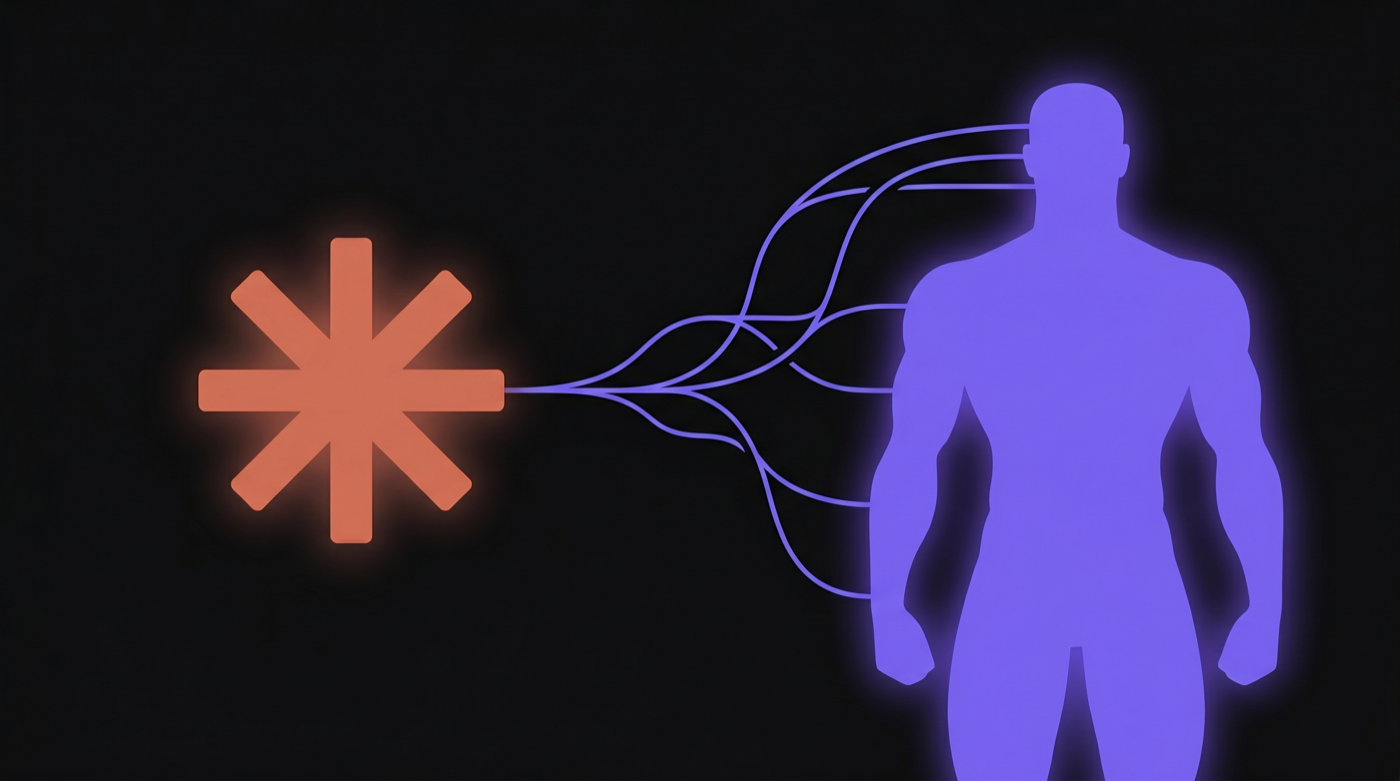
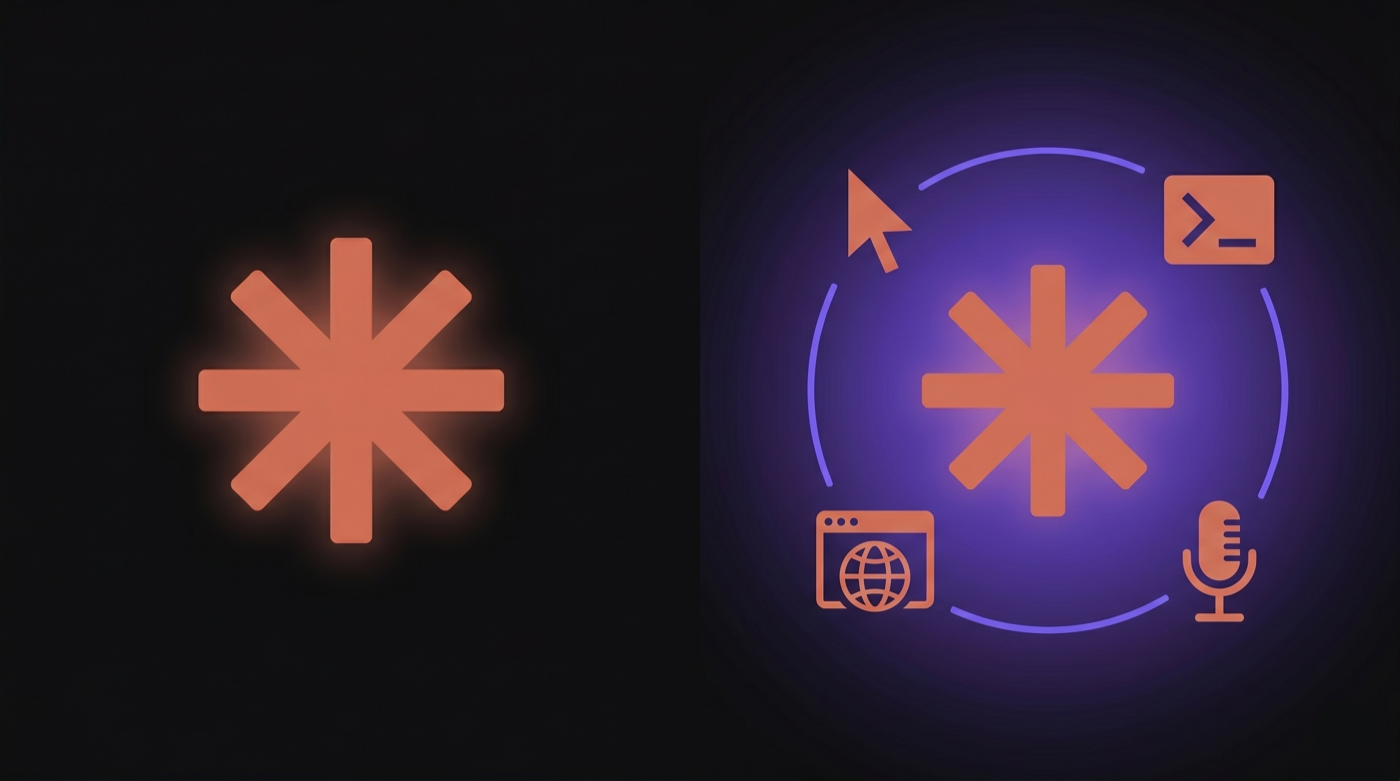
PilotGentic is the most capable MCP server ever built for Claude. It gives Claude Desktop and Claude Code 475+ tools — Mac control, browser debugging, voice, file system access, and more. Claude was already great. PilotGentic makes it extraordinary.
macOS 14 Sonoma or later · Apple Silicon & Intel


 PilotGentic
 Claude
 Claude at full power
Built exclusively for Claude
PilotGentic is purpose-built for Anthropic's Claude — nothing else. We connect via MCP (the open standard Anthropic built for tool access) and give Claude everything it needs to act on your Mac, debug your browser, run shell commands, and more. Install Claude Desktop or Claude Code, add PilotGentic, and Claude becomes genuinely hands-free.

How it works
Up and running in minutes
Install PilotGentic
Download and run the installer. PilotGentic registers itself as an MCP server automatically — no configuration needed.
Connect Claude
Works with Claude Desktop and Claude Code (CLI). PilotGentic's 475+ tools appear instantly in both. Grant Accessibility permission when prompted.
Ask Claude anything
Say "check my app for console errors" or "click the Submit button and screenshot the result" — Claude does the rest.
Claude provides the intelligence. PilotGentic provides the reach.
475+ MCP tools
Everything Claude needs to act
PilotGentic gives Claude a structured API for your entire Mac — so it can take real action, not just give advice. No workarounds. No fragile scripts. Just Claude doing the work.
Mac Control
Click, type, scroll, launch apps, read the screen — 475+ tools via MCP
Screen Vision
Screenshot, OCR, accessibility tree, element location
Browser Debug
Live console logs, network requests, JS execution in Chrome
Task Automation
Record workflows and run them on demand from the dashboard — video-trained tasks in development
Anomaly Detection
Z-score analysis flags unusual step durations after ~10 runs
Task Optimizer
3-pass analysis proposes wait reductions, better tab order, skippable dialogs
Progression Engine
L1→L4 leveling system tracks your AI automation skill across all tasks
Semantic Search
Voyage AI indexes your full action history — search it in plain English
Phone Pairing
Scan a QR code to pair your phone — HMAC-signed, 2-min expiry
Remote Chat
Message Claude on your Mac from anywhere, attach images via camera
Live Screen Stream
Watch your Mac screen live — mouse and keyboard input forwarded back
Task Dispatch
Trigger any trained task from your phone with live per-step status
Remote Terminal
Full PTY shell on your Mac from any browser — works on-network and off
Input Forwarding
Click, type, and scroll in the stream view — events dispatched on your Mac
Built to improve itself
3-second iteration loop
PilotGentic ships with a hot-reload MCP development harness. Edit a tool, the server reloads in ~3 seconds over HTTP transport — Claude's session never drops. The behavior database captures every action trajectory so the system can learn from what failed.
Edit → live in 3s
node --watch detects file changes and restarts the MCP server. HTTP transport reconnects transparently — no session kill, no context loss.
Trajectory memory
Every action is recorded in behavior.db with outcome, timing, and AX labels. Failure trajectories are queryable — the system knows what broke and when.
Self-improving agents
External skill agents read live logs and behavior.db to propose targeted fixes. Human approves, build runs, next session has the fix.
$ MCP_HTTP_PORT=7778 node --watch src/index.js
→ edit tools/status.js
→ [watch] restarting (3.1s)
→ 475 tools registered
→ HTTP transport live · same Claude session · no restart
Widget Suite · Free
PilotGentic lives inside the page
The PG bar pins four action buttons and a master toggle to the top of any browser tab — open-carry, never hidden. Behind it: Control Center, a live Stats overlay, a Debug Footer, and a Chat widget that is a real Claude CLI session on a persistent PTY. All of it survives page reloads.
- ✓PG bar — four actions + master toggle, survives reload
- ✓Chat widget — a real Claude CLI session in your tab
- ✓Stats overlay + Debug Footer — live state, in the open
- ✓One brand header, grab-anywhere resize on every widget
Stream 2 · Free
In developmentTrain from a screen recording
Record yourself doing a task once. Upload the video. PilotGentic extracts keyframes, reviews them in a filmstrip with per-frame prompts, analyzes every UI state with Claude Vision, and synthesizes a step-by-step automation draft. End-to-end execution of video-trained tasks is under active testing — not shipped yet.
What works today vs. in development →- ◆Frame extraction from any screen recording
- ◆Filmstrip review with per-frame prompts
- ◆Claude Vision analyzes each UI state
- ◆AX verifier confirms steps against live UI
Remote Add-On
Control your Mac from anywhere
PilotGentic Remote is a full remote-control suite — pair in 30 seconds, open a terminal, watch your screen, forward input, chat with Claude, and dispatch automations. Works from your phone, any browser, on any network.
See Remote features- ✓QR pairing in under 30 seconds
- ✓Remote terminal — full PTY shell, anywhere
- ✓Live screen stream with mouse & keyboard input
- ✓Run trained tasks remotely
Copilot · Free
Need help? The Copilot knows everything.
Ask the PilotGentic Copilot in Claude Desktop or Claude Code — it guides you step-by-step through any feature, with screenshots.
Read the docs →Try it now
Ask Claude:
"open PilotGentic training assistant"
Session Mode · Free
You choose how AI acts on your Mac.
AI Doppler shows you every move — cursor travels visibly to each target so you can follow along, review, and stay in control. Background mode lets Claude act silently without touching your screen, freeing you to work in parallel. Switch modes per session based on what you need: observability or throughput.
See all modes and enforcement levelsAI Doppler
Cursor moves to every target — see exactly what Claude is doing in real time
Background
Silent AX press, no cursor — Claude acts without interrupting your screen
Hybrid
Observable where it matters, silent everywhere else
Strict enforcement
Mode violations are hard-blocked — no silent fallbacks, ever
Voice Add-On · Pro / Max
Hands-free with AI voice
Talk to Claude, hear it respond, and keep your hands on your work. PilotGentic's voice layer uses on-device Whisper for speech-to-text and ElevenLabs for natural AI voice output — with a hands-free mode that auto-re-arms the mic after every response.
See all features →- ◆Whisper STT — on-device, no cloud
- ◆ElevenLabs AI voice or on-device TTS
- ◆Hands-free mode — mic auto-re-arms
- ◆Voice ring UI — cyan for listening, blue for speaking
- ◆Works in all chat modes
Make Claude extraordinary
Free forever for core tools. The fastest way to go from 'Claude is useful' to 'Claude handles it.'